 myBoxStock
Everything a box seller needs, nothing they don’t.
Below is what the app does today, organised by the work you do. Every picture is the real app, filled with made-up sample data.
Available today
Only things that are built and working in the current version are listed here.
Inventory
Know every device on your shelf
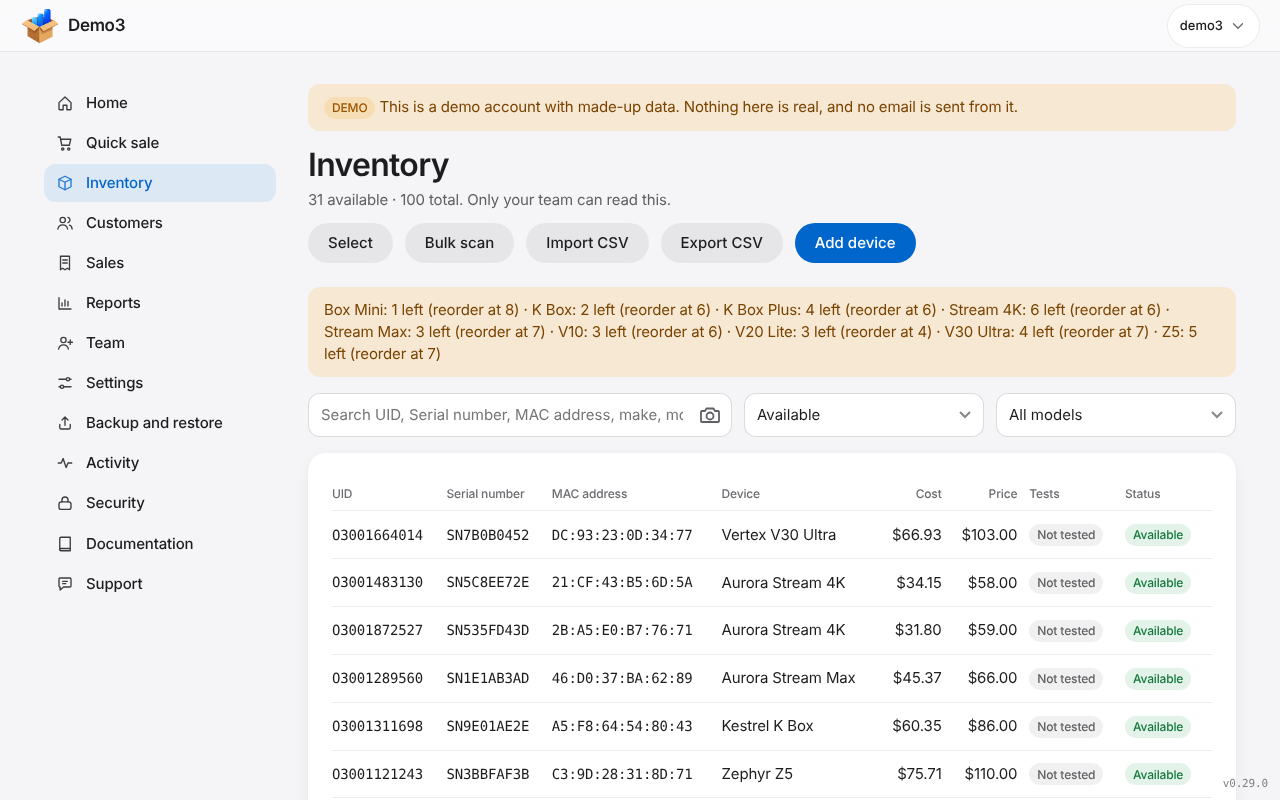
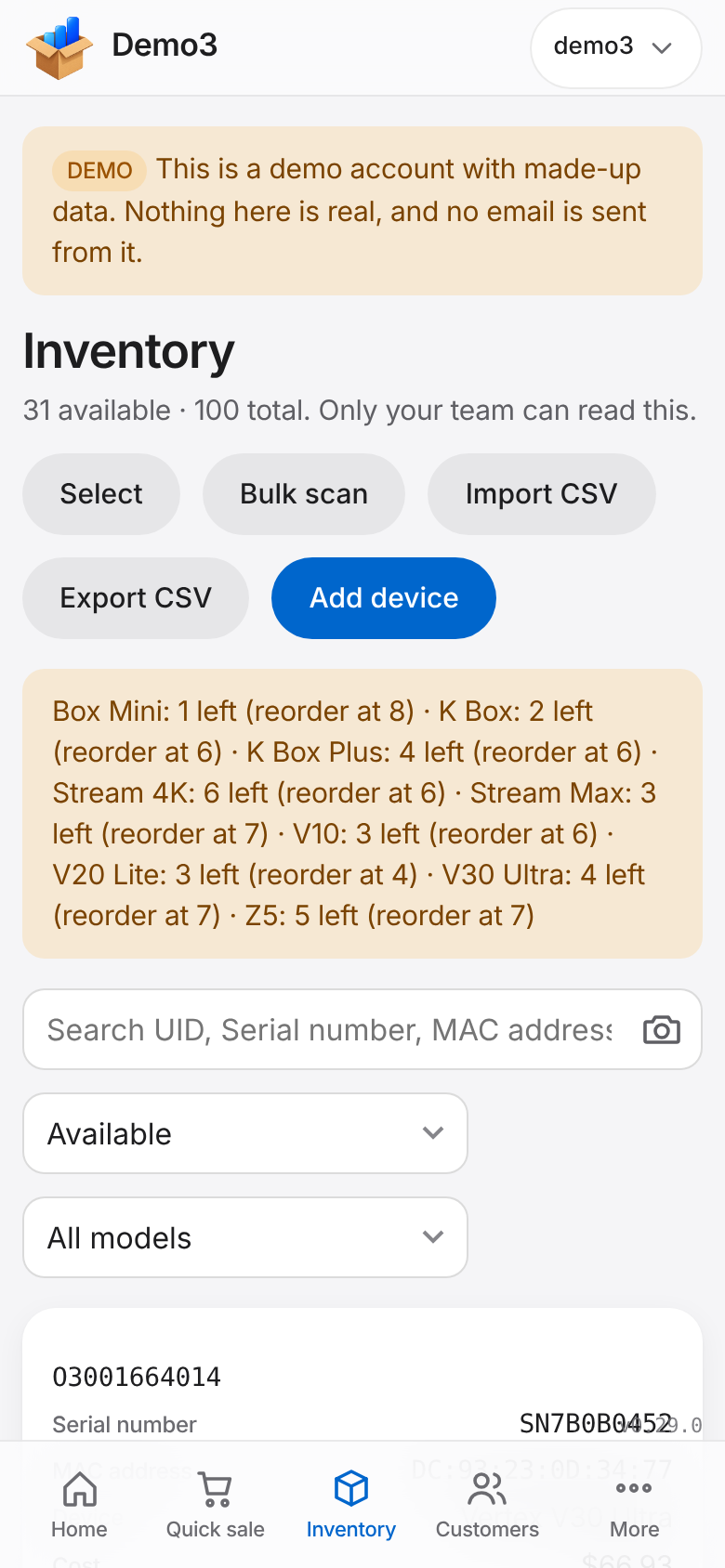
Add devices one at a time, by quantity, or by importing a spreadsheet. Choose which details you track (UID, serial number, MAC address, condition, supplier and your own), and tick off a test checklist on every device.
Bulk scan lets you point your phone camera at a stack of labels and read the serial number, MAC address or UID of each box in turn.
- Bulk scan with the phone camera
- Statuses: Available, Reserved, Sold, Returned, Damaged and Archived
- A reorder level for each model, and a Running low card on Home that shows what to buy next, most urgent first
- Search by any identifier; export to a spreadsheet whenever you like
Demo units and loans
Lend a box out and get it back
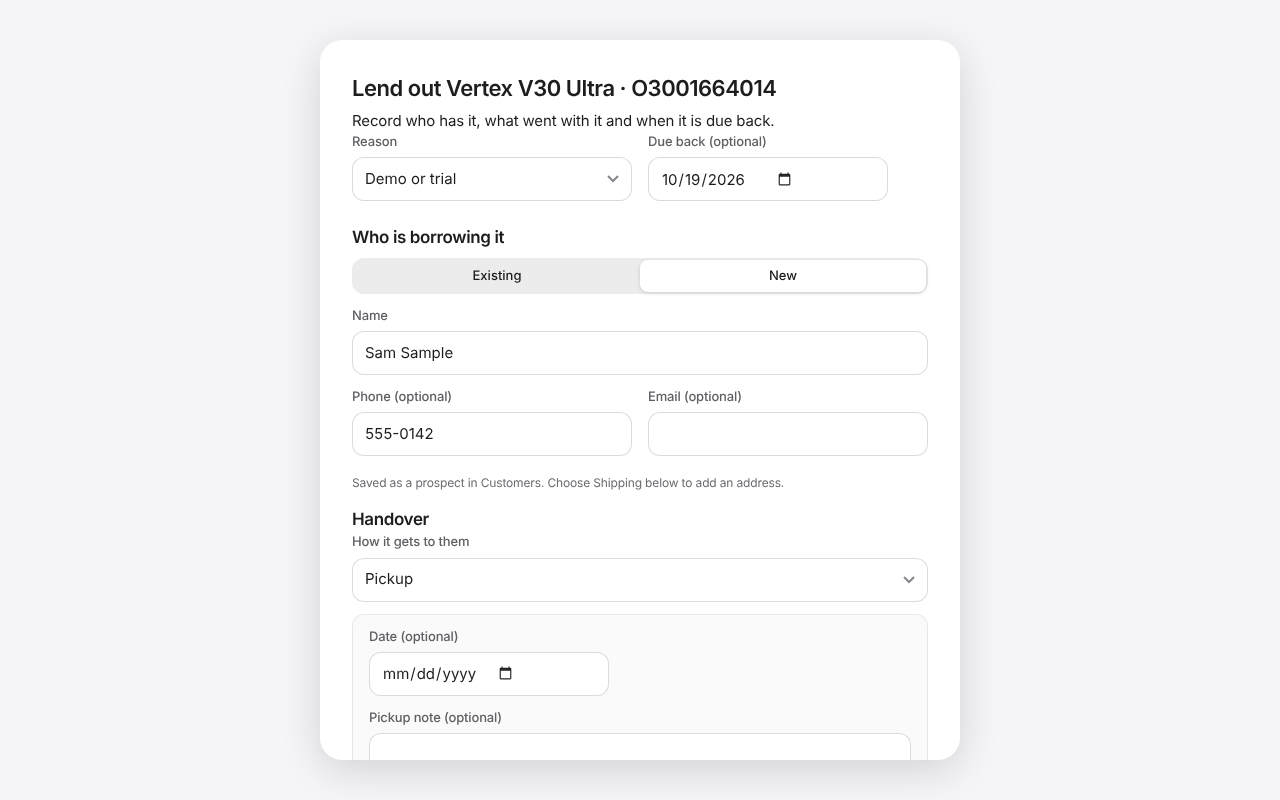
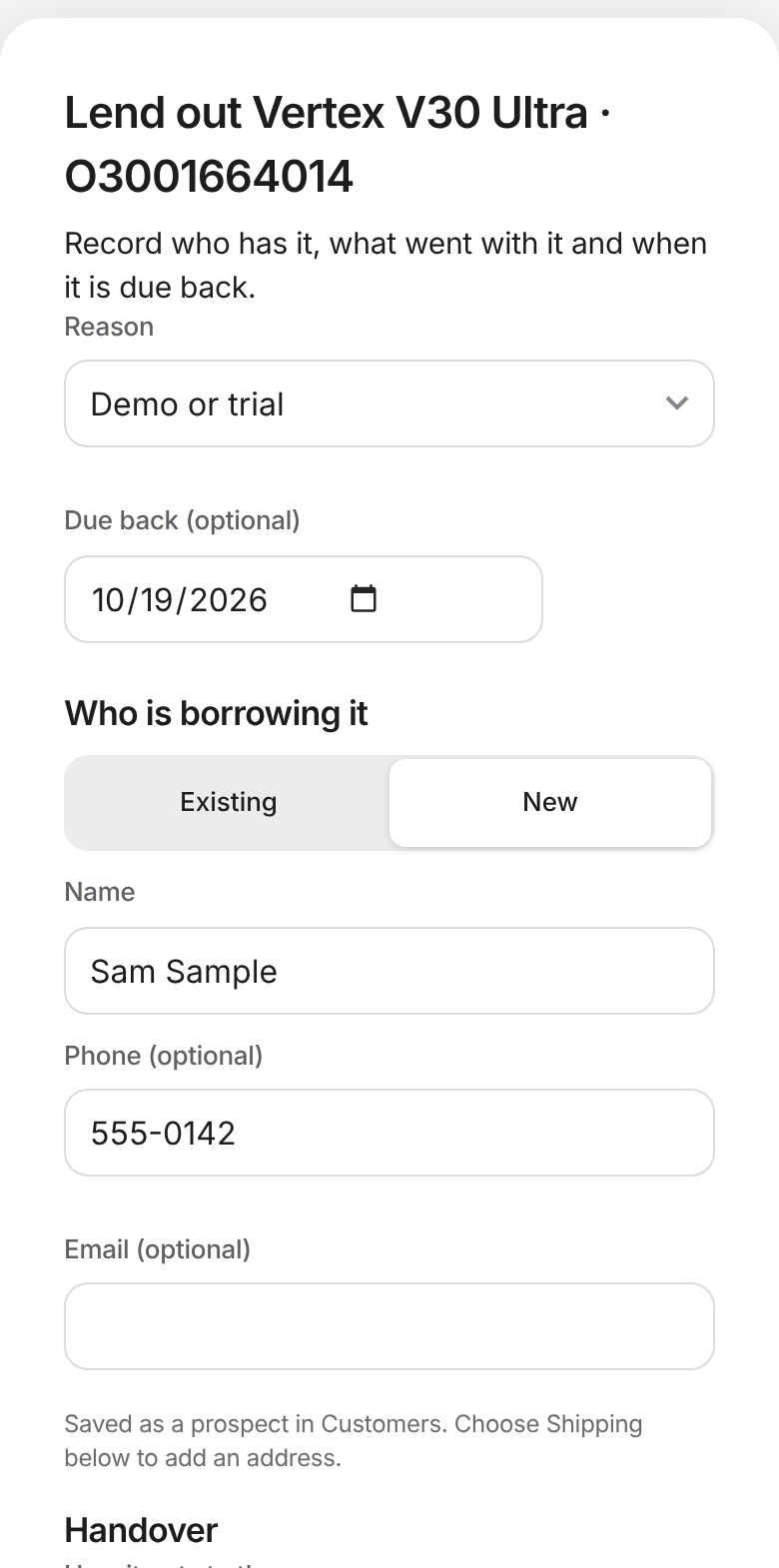
Lend a device to a customer or a prospect for a demo or a trial. Pick the reason, a due date, what goes with it, and how it gets to them. When it comes back, record what shape it is in and test it again before it goes on the shelf.
If they like it, sell it to them from the same screen and the loan closes. Anything overdue shows on Home.
- New prospects are saved as customers, marked Prospect
- A reason list you edit, with a Customer can keep it choice for each reason
- A device that is out shows as On demo and cannot be sold twice or deleted
Quick sale
Sell in a few taps
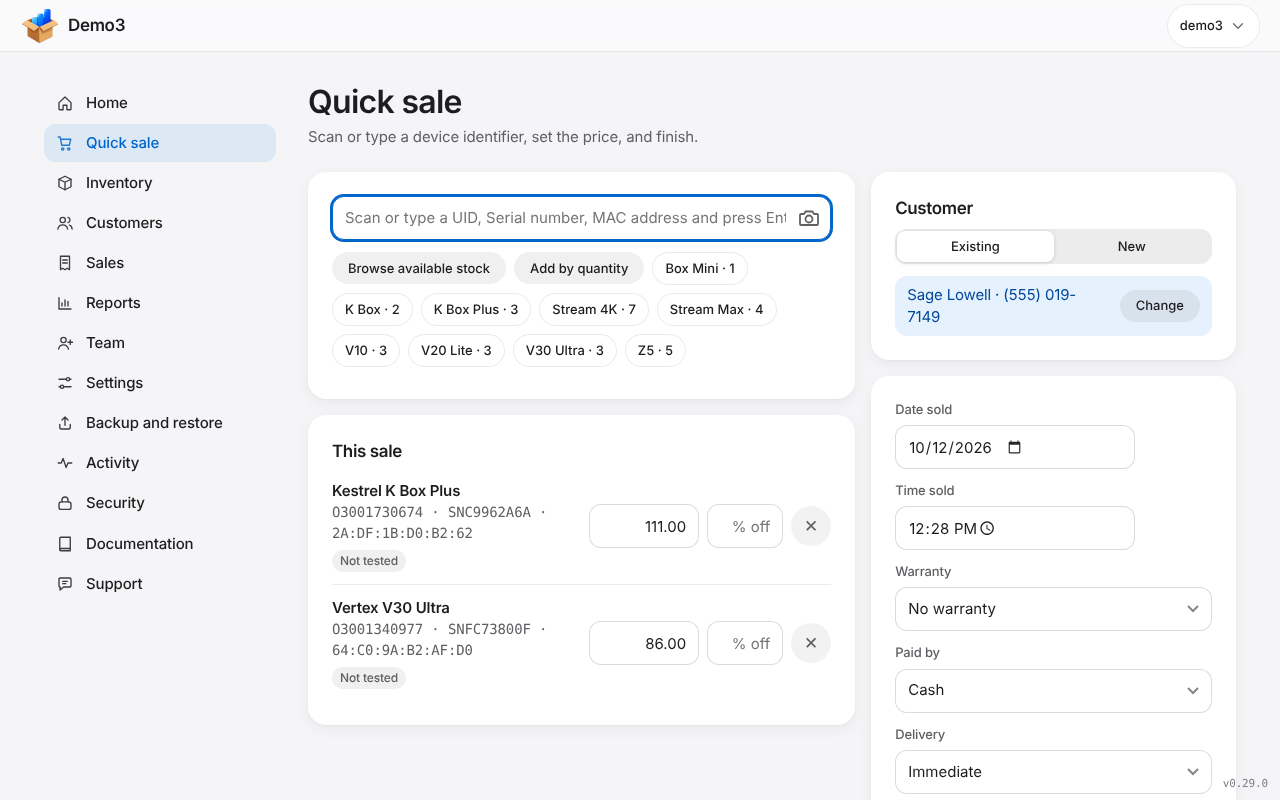
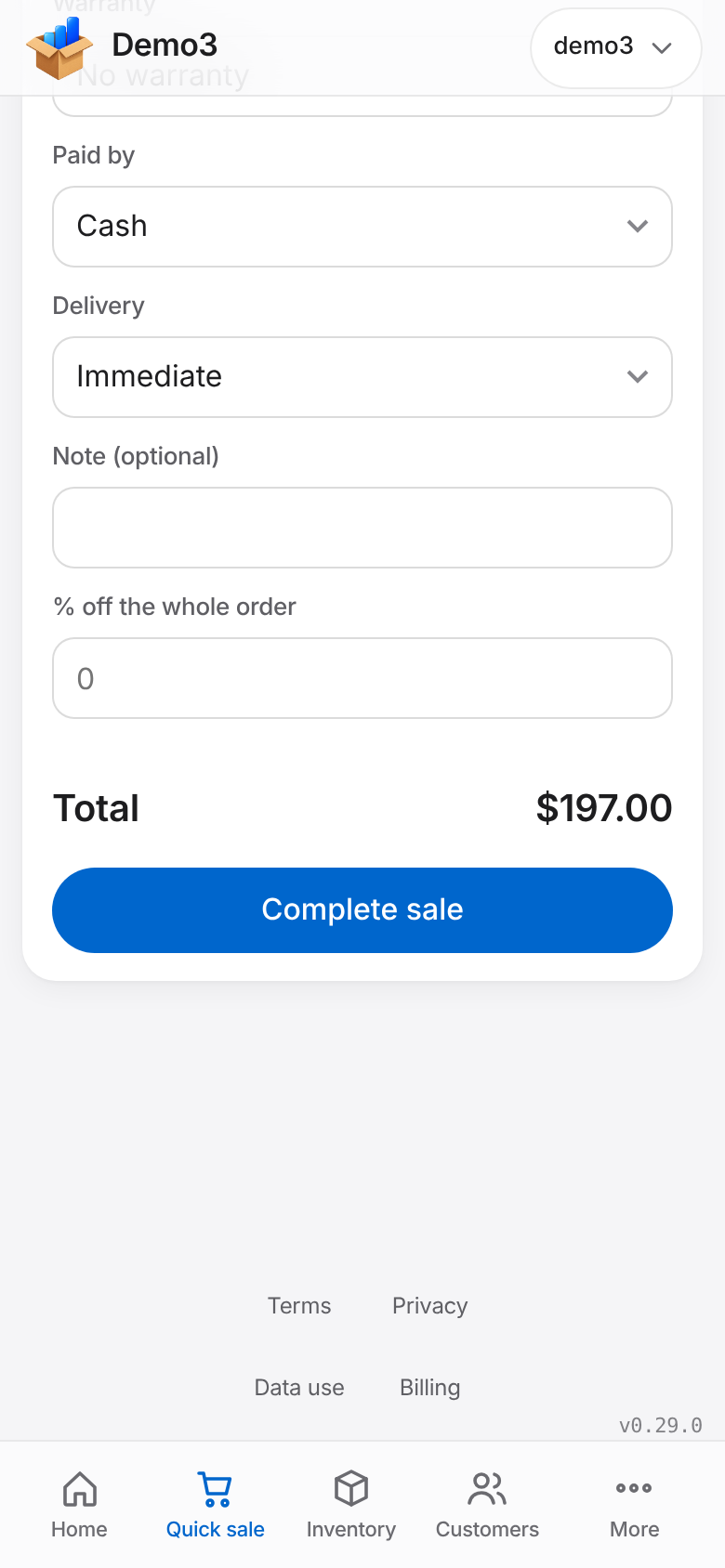
Scan or type an ID, or pick from what is in stock. Set the price, take a percentage off a line or the whole order, choose the customer, the warranty and how they paid, then print or email the receipt.
- Back-date a sale to the day it really happened
- Your own payment methods and warranty periods
- Add a new customer without leaving the sale
- Receipts that carry the warranty and, if you choose, the test record
Delivery and shipping
Immediate, shipped, pickup or meet
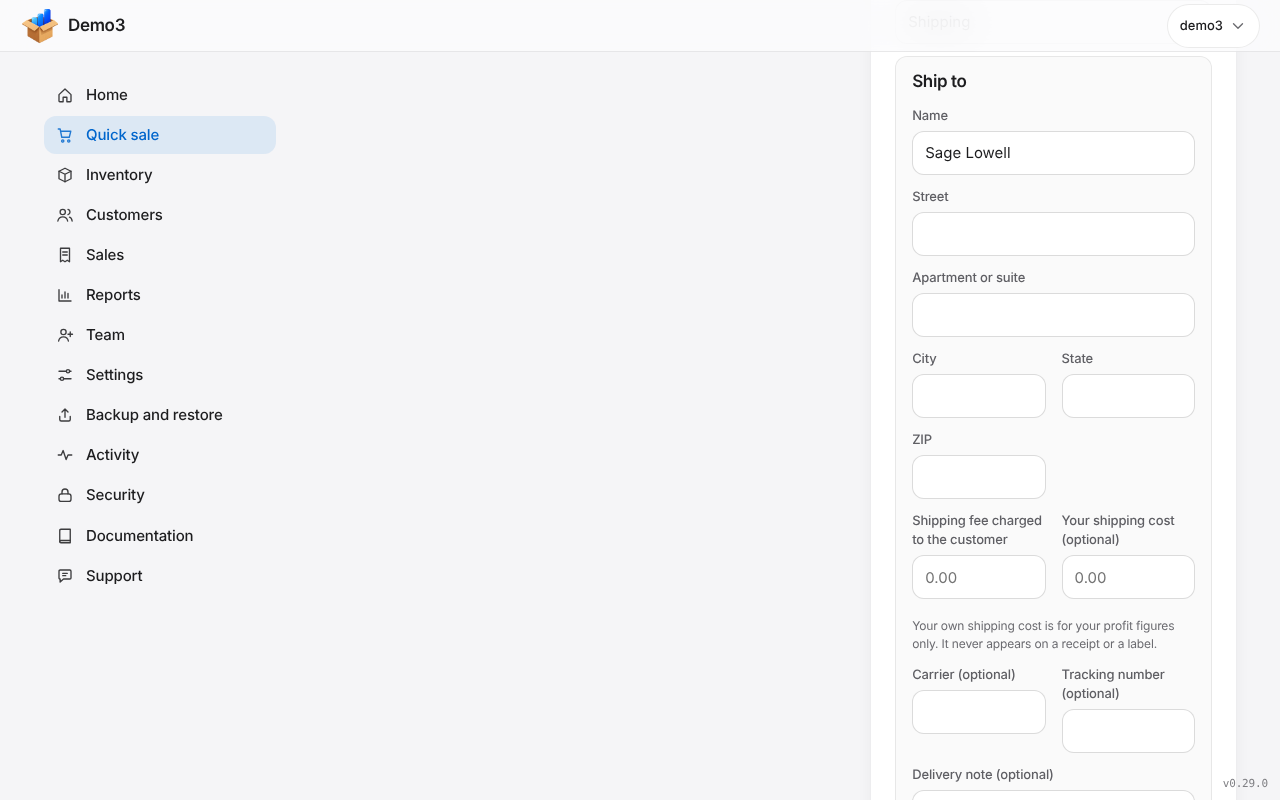
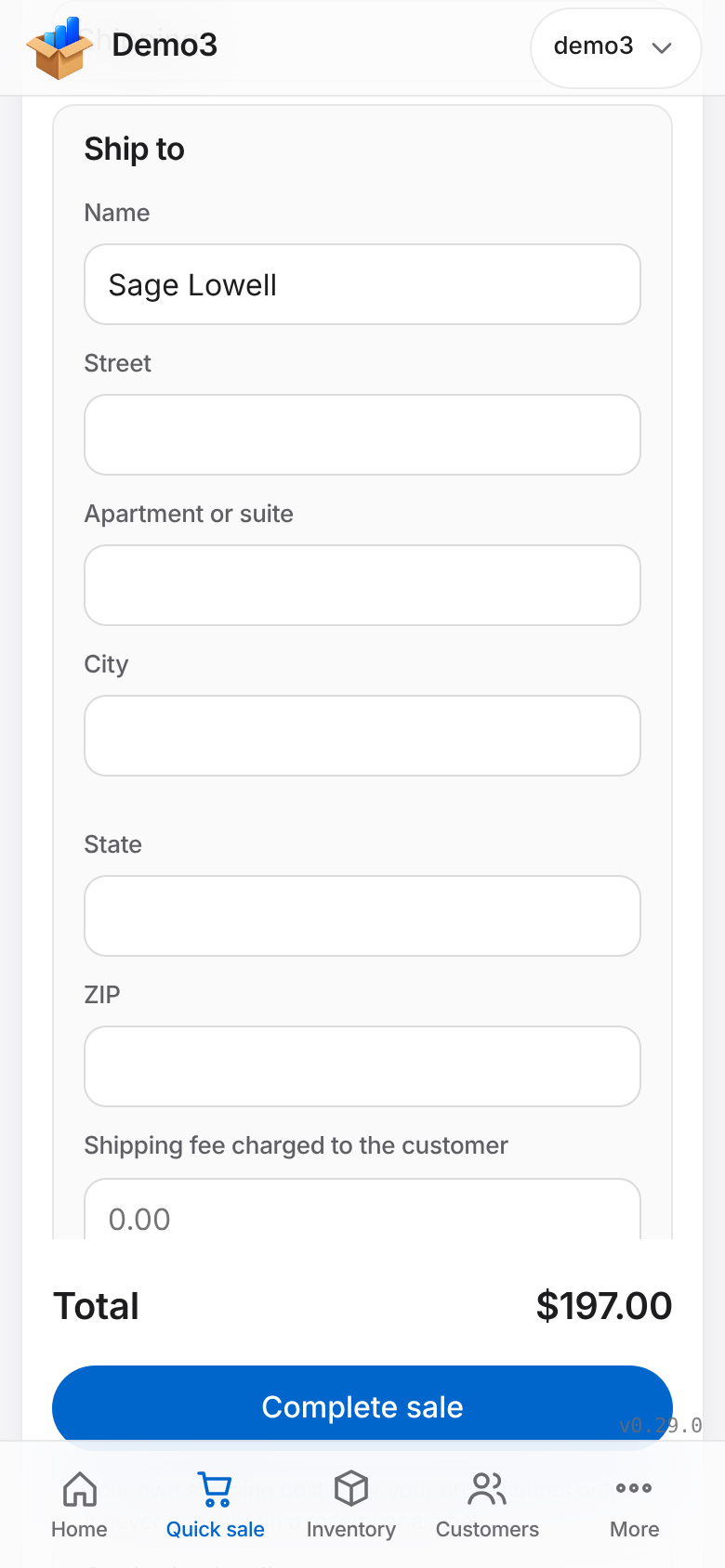
Choose how each sale is handed over. Shipping adds the ship-to address, the fee you charge and, for your own profit figures, what the shipping cost you. Track carrier and tracking number, find everything still to ship, and mark it shipped.
Print an address label in the browser: 4x6 inch, the DYMO 4XL or 5XL label, half sheet or full page, with your logo, return address, order number and a delivery note. Your own shipping cost never appears on a receipt or a label.
- Immediate, Shipping, Pickup and Meet on every sale
- A To ship list, with Mark shipped
- Printable labels, one at a time or a batch
- Fit to my printer: print one test page and the label lines up in that browser
- Postage is handled outside the app: you pay it elsewhere and enter the tracking number
Returns and refunds
Record what came back
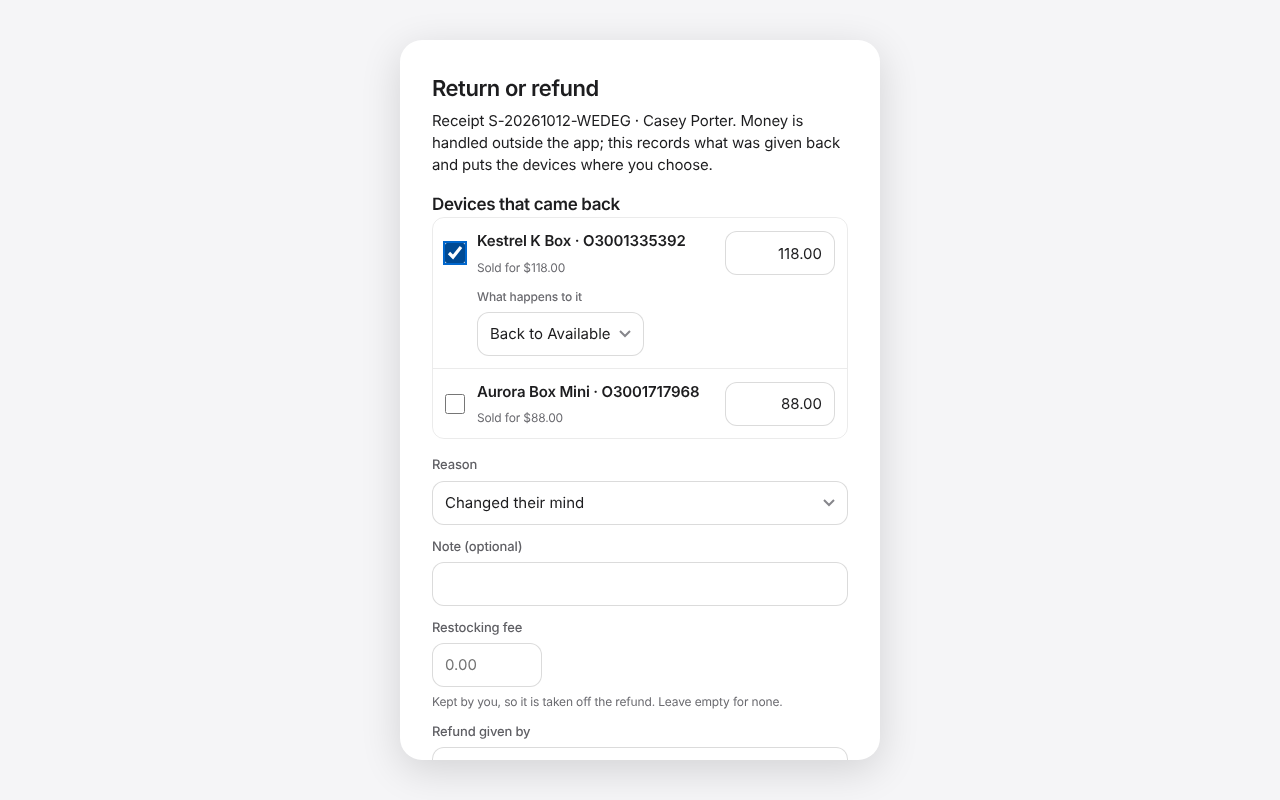
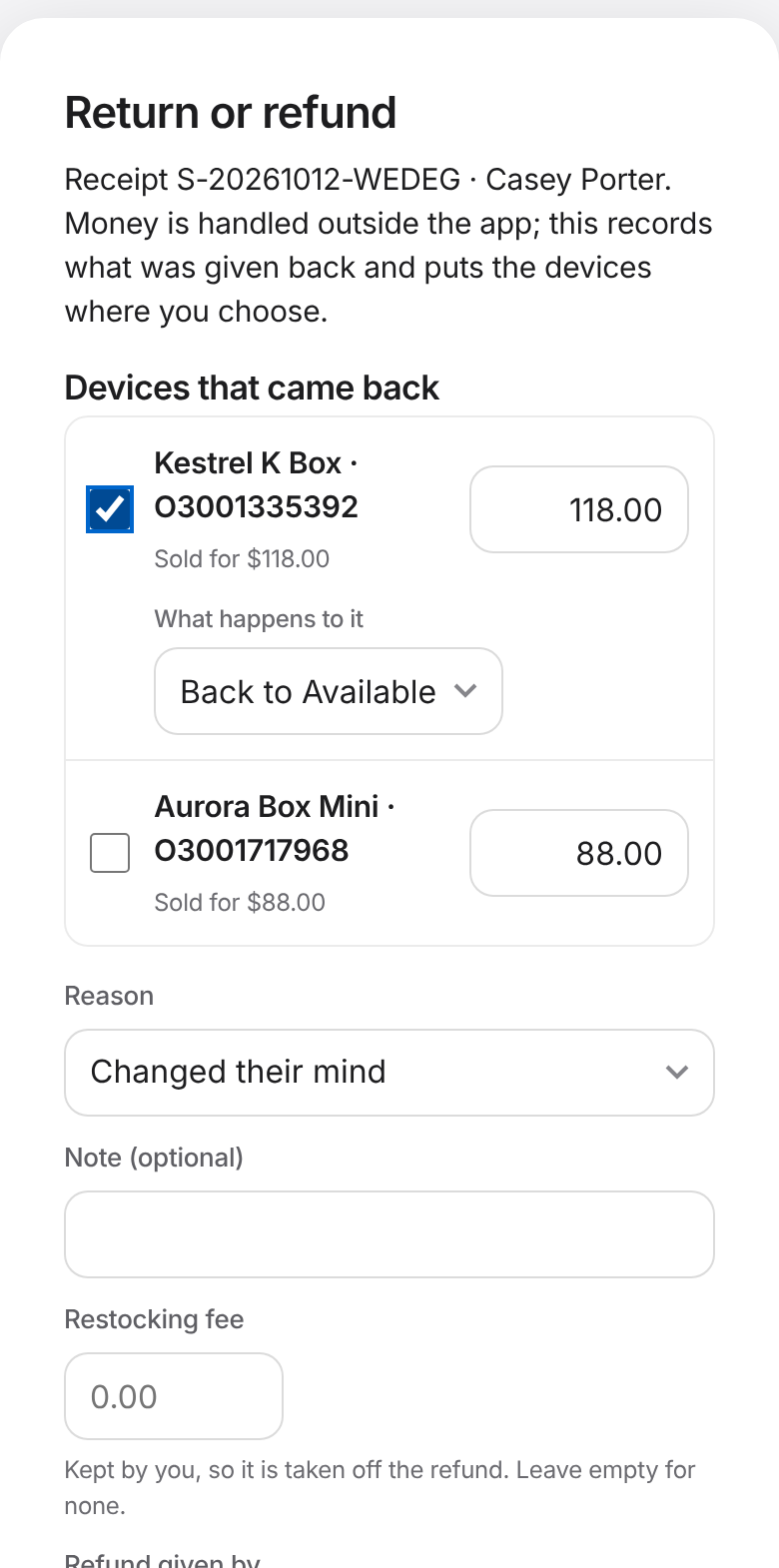
Pick which devices came back, the reason and what happens to each one: back in stock, Returned or Damaged. Record the refund, a restocking fee if you charge one, and how you paid it back. The original sale stays on record, and your totals show refunds separately.
A credit note can be printed or emailed, and never shows your costs.
- Full or partial returns, on shipped sales too
- Administrators decide whether Standard users may process returns, and set an approval limit
- Void stays for plain mistakes
Customers
Remember who bought what
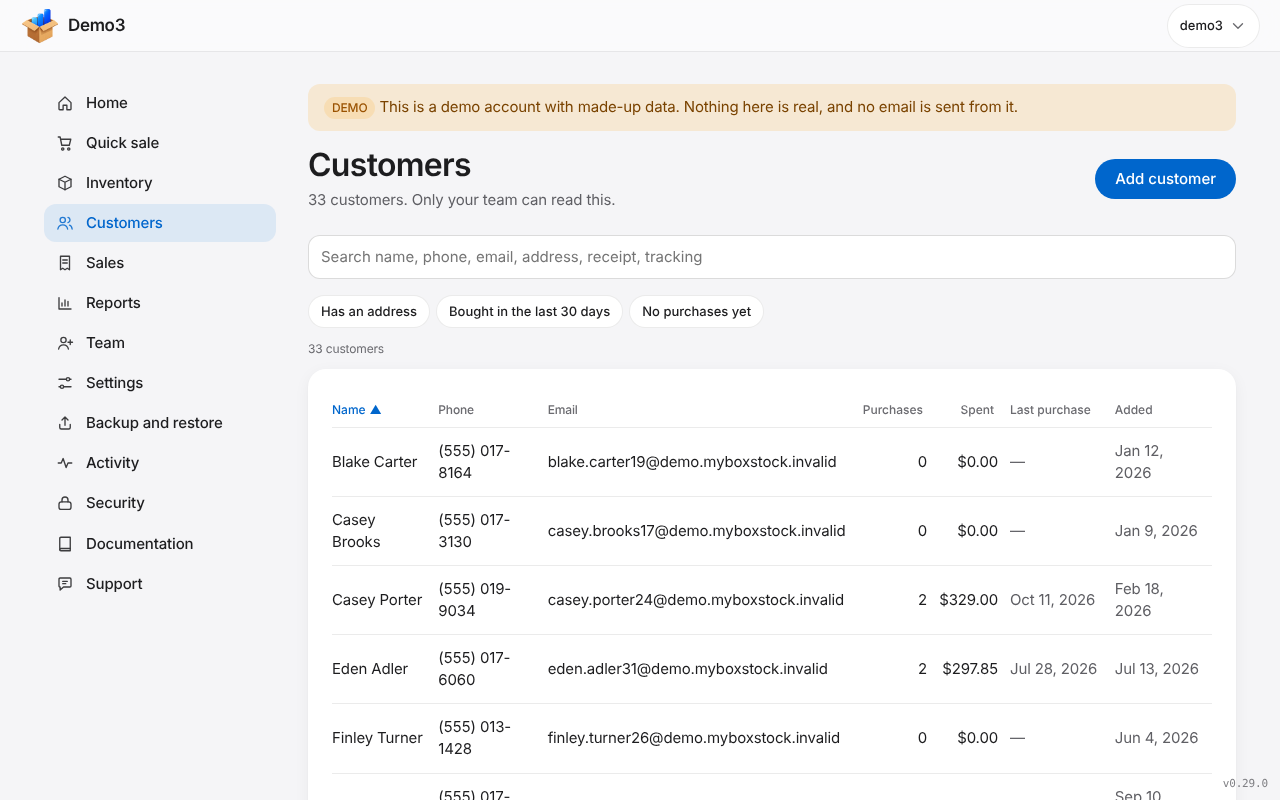
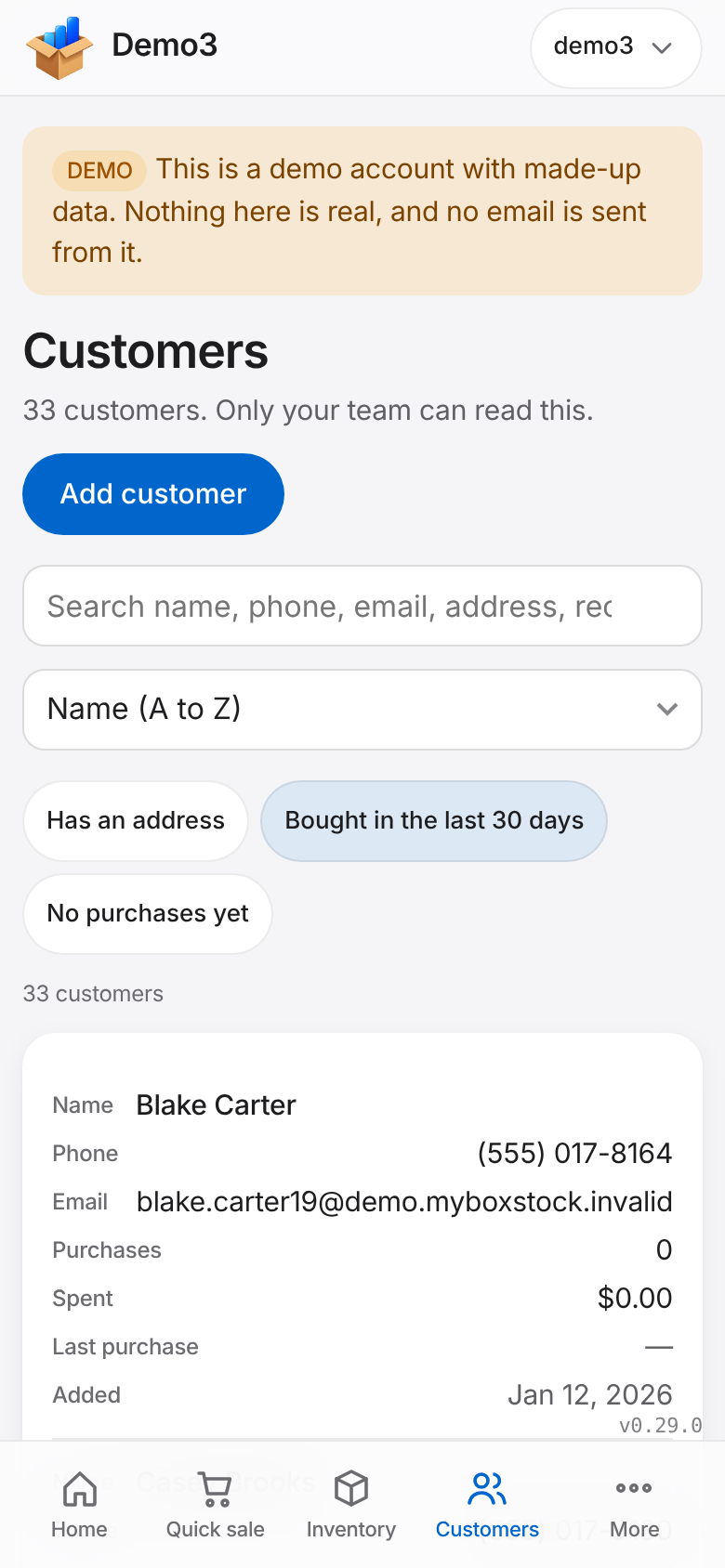
Every customer has one page with all their purchases, shipments and refunds, their saved address, notes and what they have spent. Search by name, phone, email, address, receipt number or tracking number.
- Saved addresses pre-fill the ship-to on the next sale
- Sort and quick filters, kept while you work
- Export one customer, or erase them for a privacy request
Sales and profit
Proof, and the numbers behind it
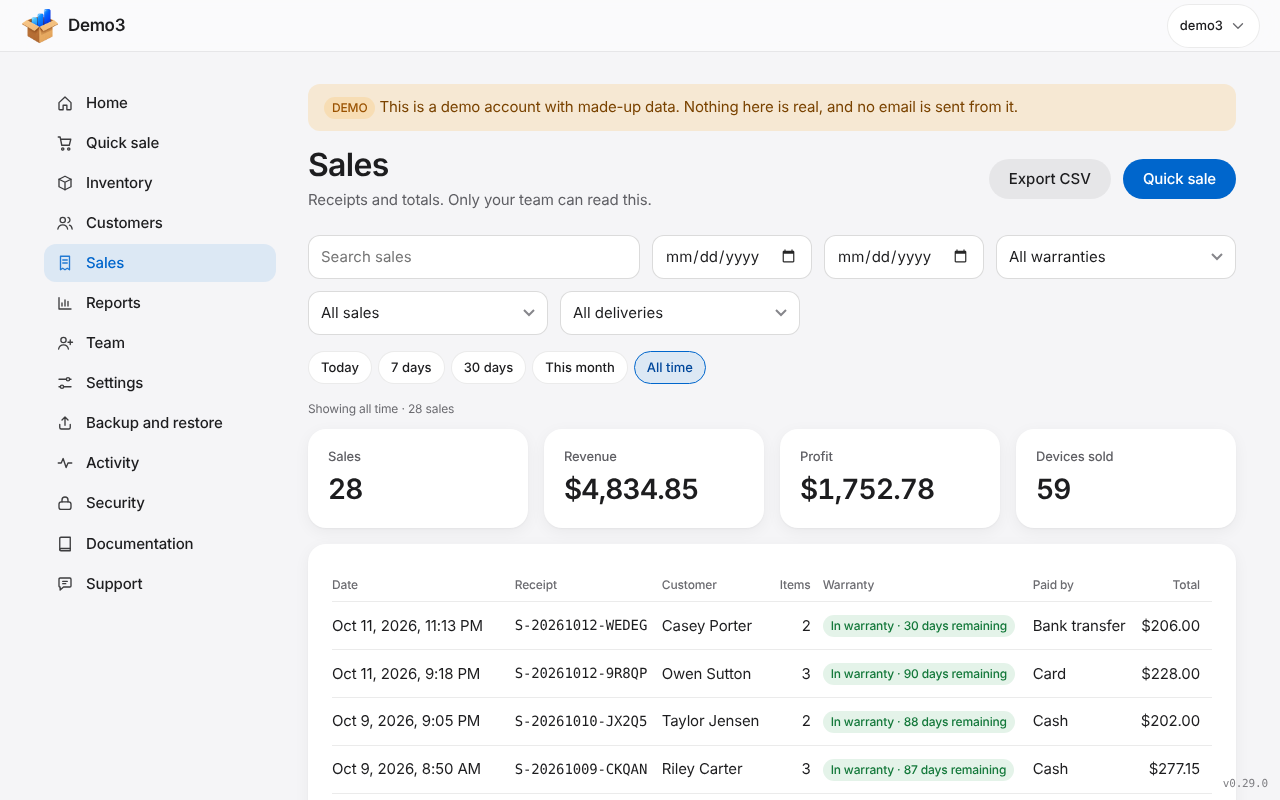
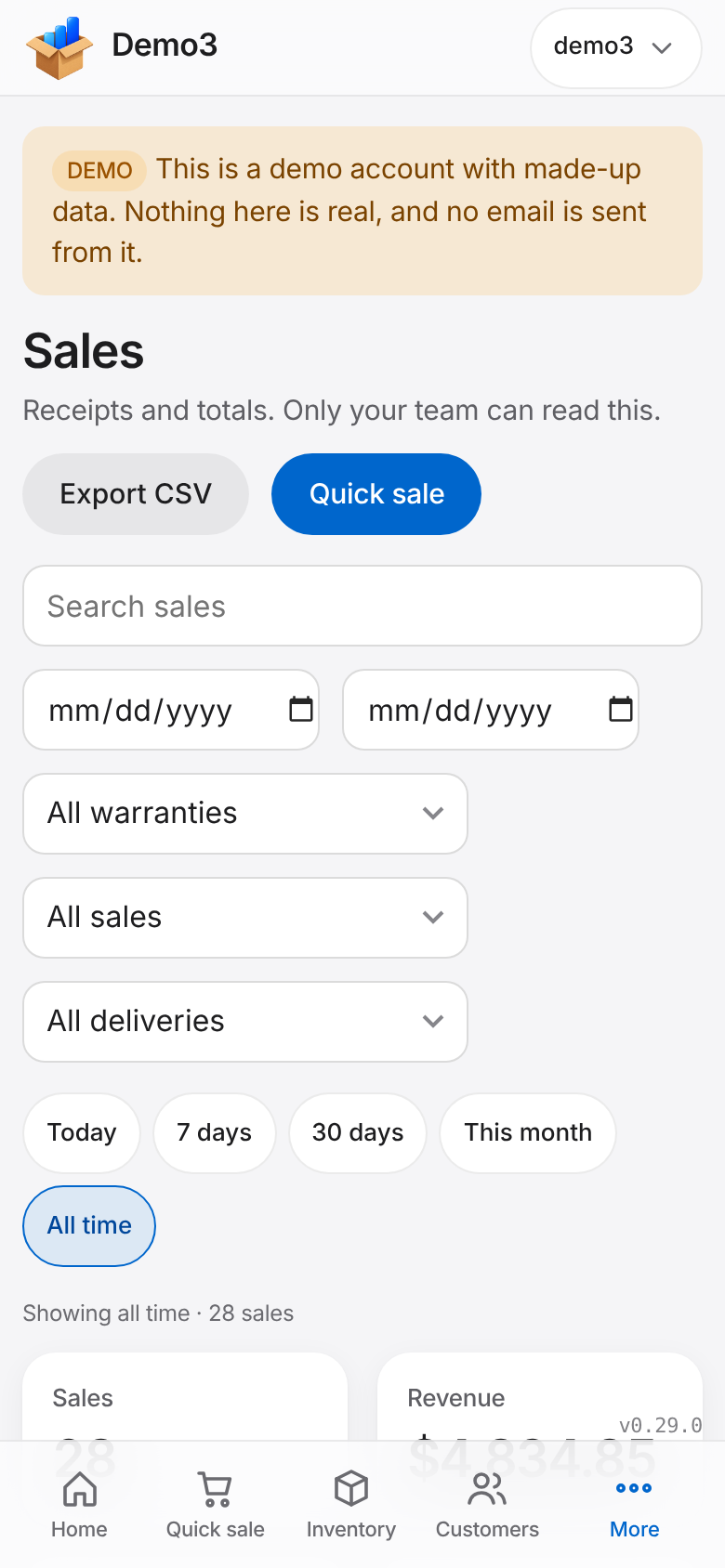
Every sale is a receipt with the devices, identifiers, price, payment method and warranty countdown. Filter by dates, delivery or warranty, and see sales, revenue and profit for the period, net of refunds.
- Search by serial, customer, payment method or receipt
- Delivery tags and a To ship filter
- Export the list to a spreadsheet
Team
Let people help, safely
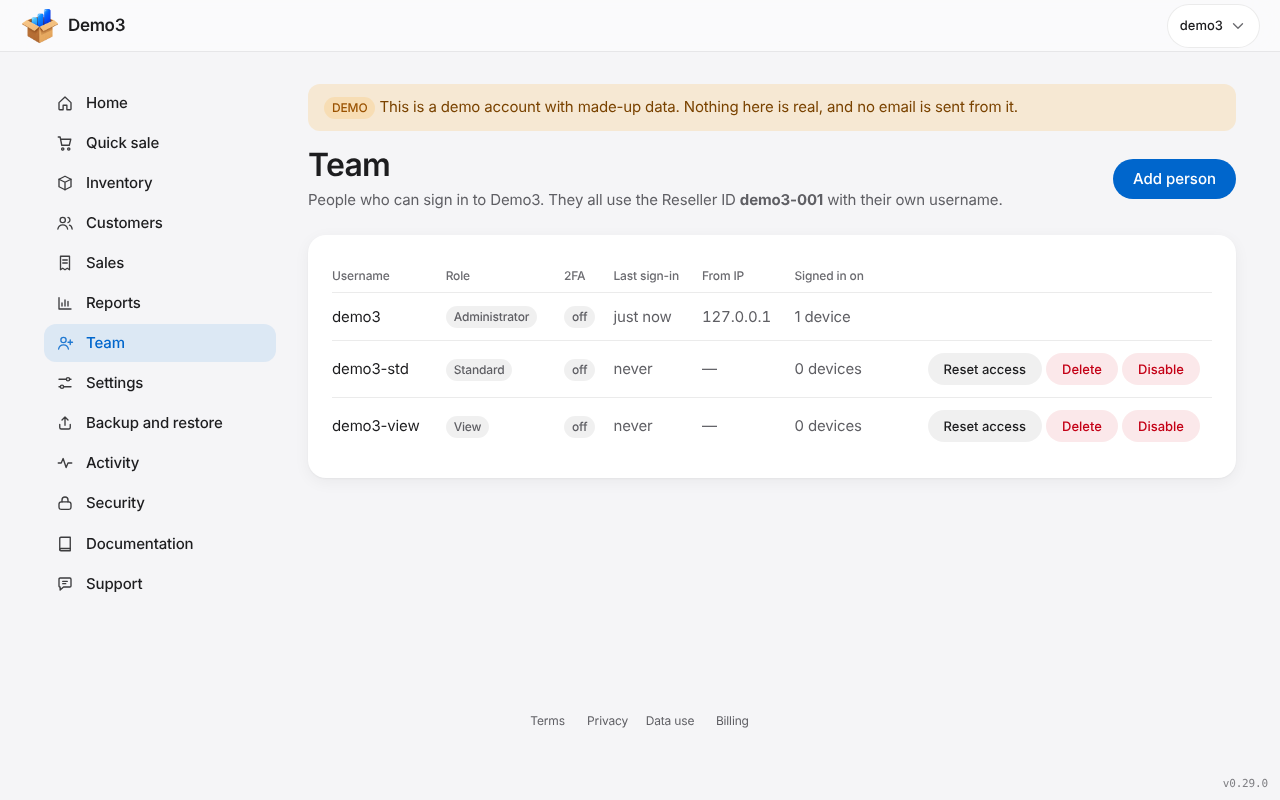
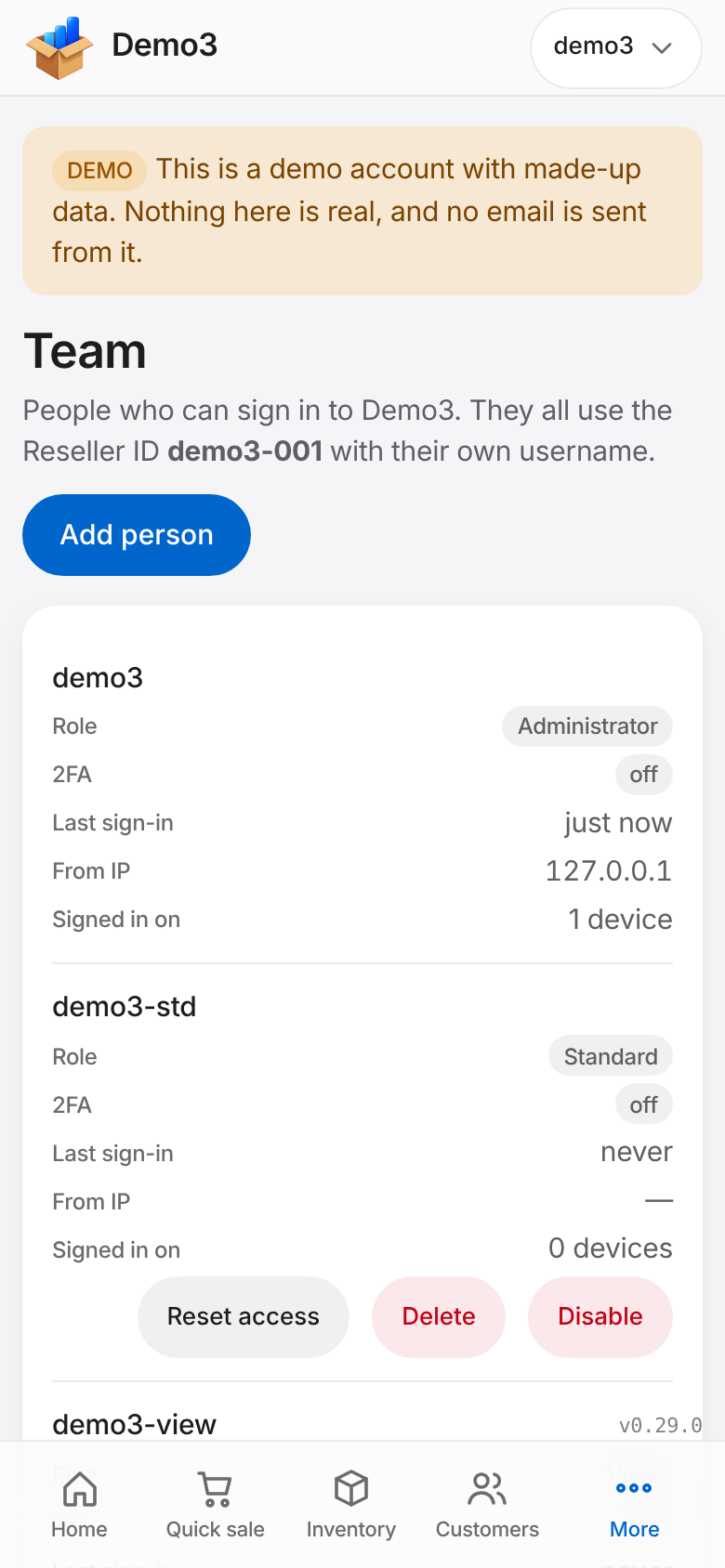
Add the people who work with you, each with their own sign-in. Administrators can do everything; Standard users work with inventory, customers and sales; View users can look but not change anything.
- Administrator, Standard and View
- A discount limit for Standard users
- Switch a person off without touching anyone else
Activity and security
See who did what
The activity log shows who signed in, from which device and when, and lets you sign a device out. Each person can turn on two-step sign-in with an authenticator app.
- Sign-in history and active sessions
- Optional two-step sign-in for every person
- Sign-in alerts when email is set up on the site
Backup and restore
Your own copy, proven to work
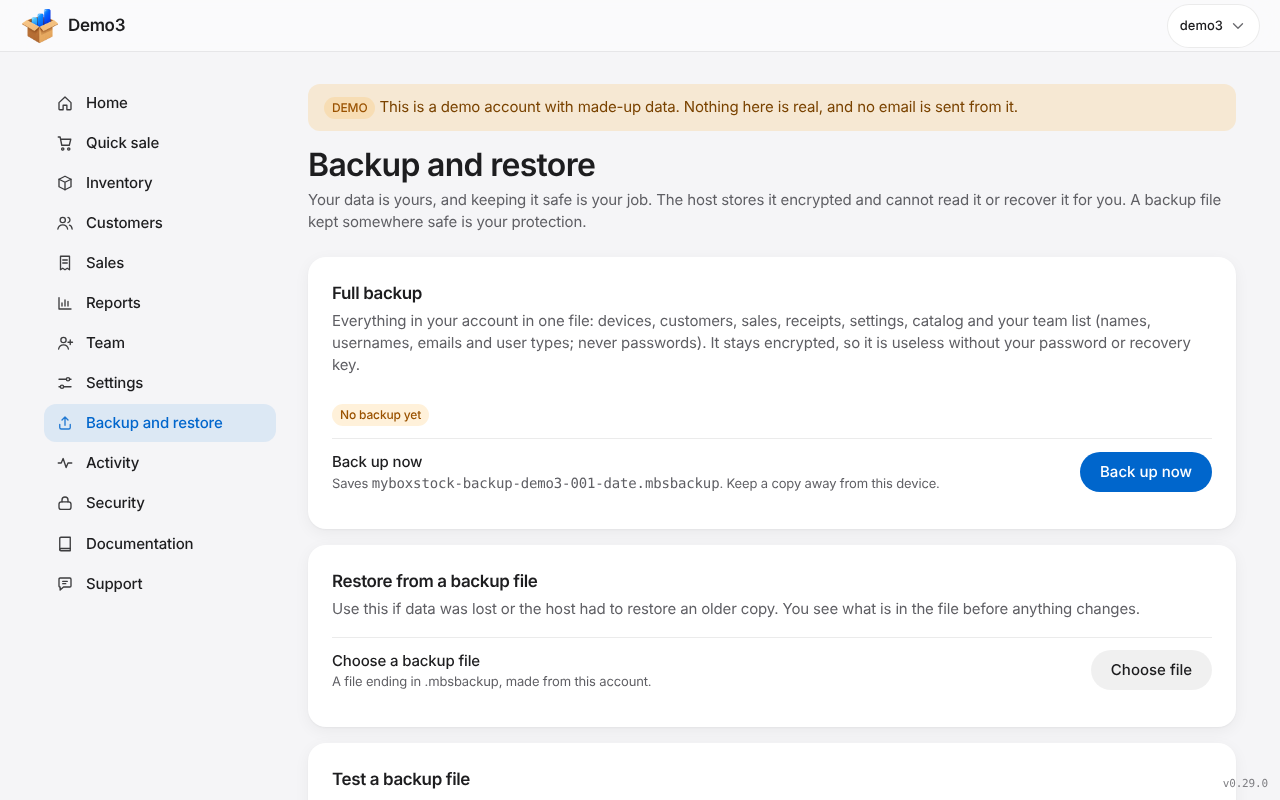
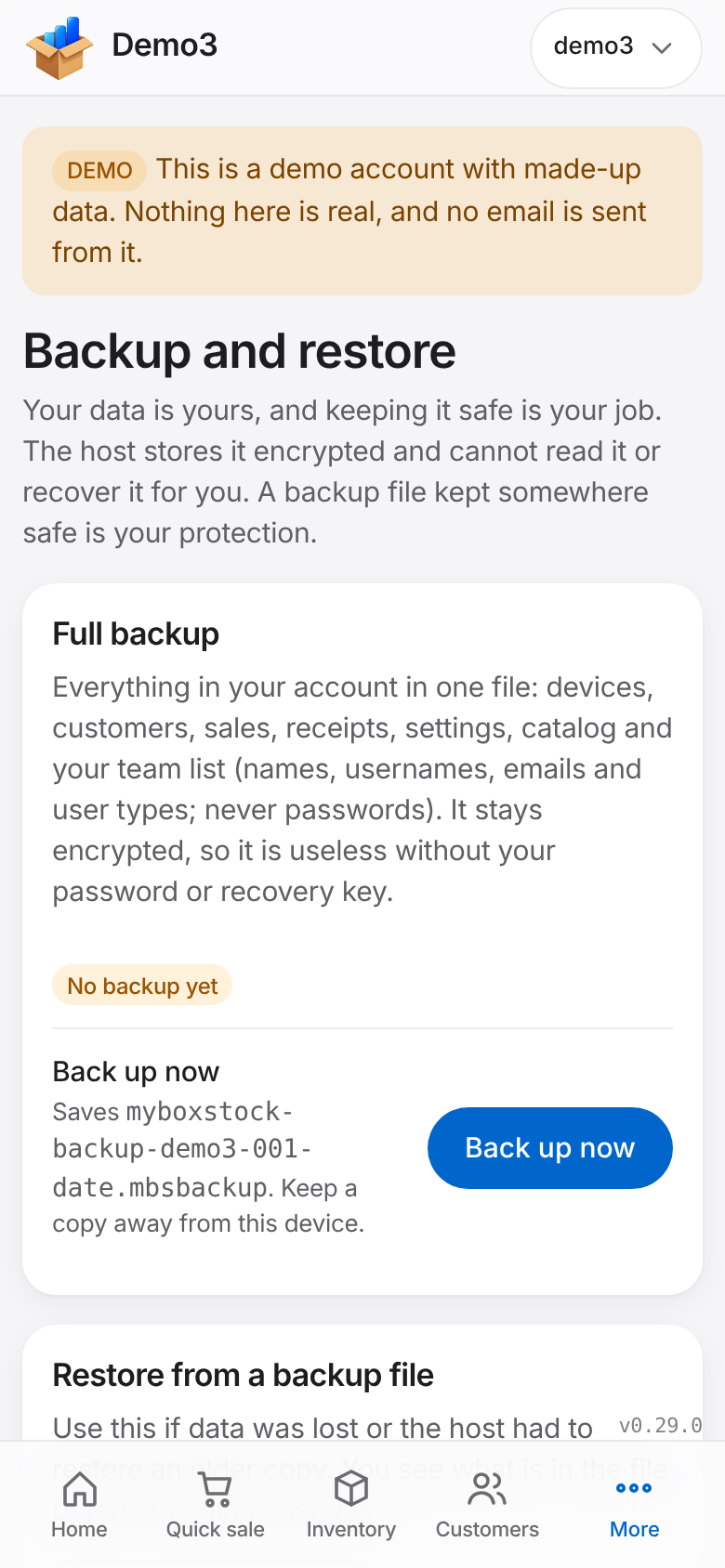
Back up now saves one encrypted file of the whole account. Test a backup file opens it in your browser and tells you, check by check, whether it is good, without changing anything. When you need it, Restore shows what is inside first.
- Backups you hold yourself
- A recovery key you save when you set up
- Spreadsheet exports of inventory, customers and sales
Get set up
A short checklist for day one
Home shows a Get set up checklist: add your first device, check your payment methods, make your first sale, add a team member, make and test a backup, and save your recovery key. Each step ticks itself off.
- Visible to Administrators
- Dismiss it when you are done
Support
Help inside the app
Documentation is built in, with a page for every screen and a search box. Signed-in resellers can also send a support ticket from inside the app, with screenshots, and follow the replies there.
- Documentation in plain language
- Support tickets, with replies in the app
Privacy
Encrypted in your browser
Your inventory, customers, sales and receipts are encrypted in your own browser before they reach the server. The people who run myBoxStock cannot read them. You own your data and you are responsible for it, for your recovery key and for your own backups.
- Zero-knowledge by design
- You hold the key
Not open yet.
You can read about it here, and log in if you already have an account.
Sign-ups are currently closedmyBoxStock is in active development. Sign-ups are currently closed.